

















Question Tiles Free
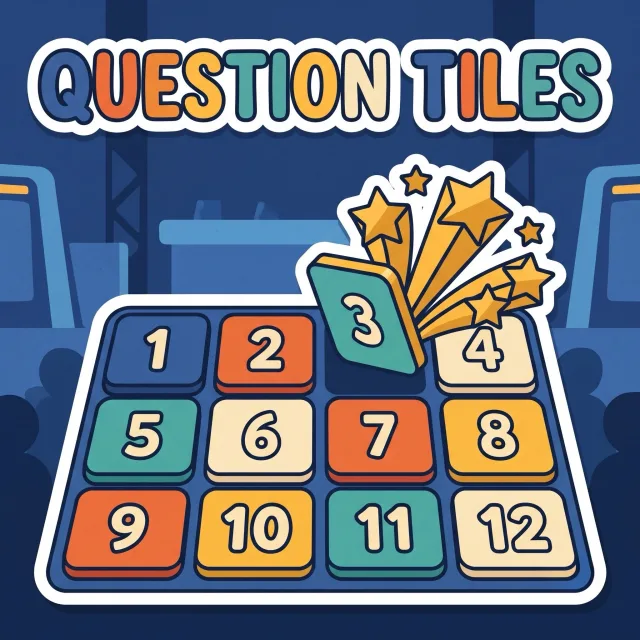
Pick a numbered tile, answer its question, take its points.
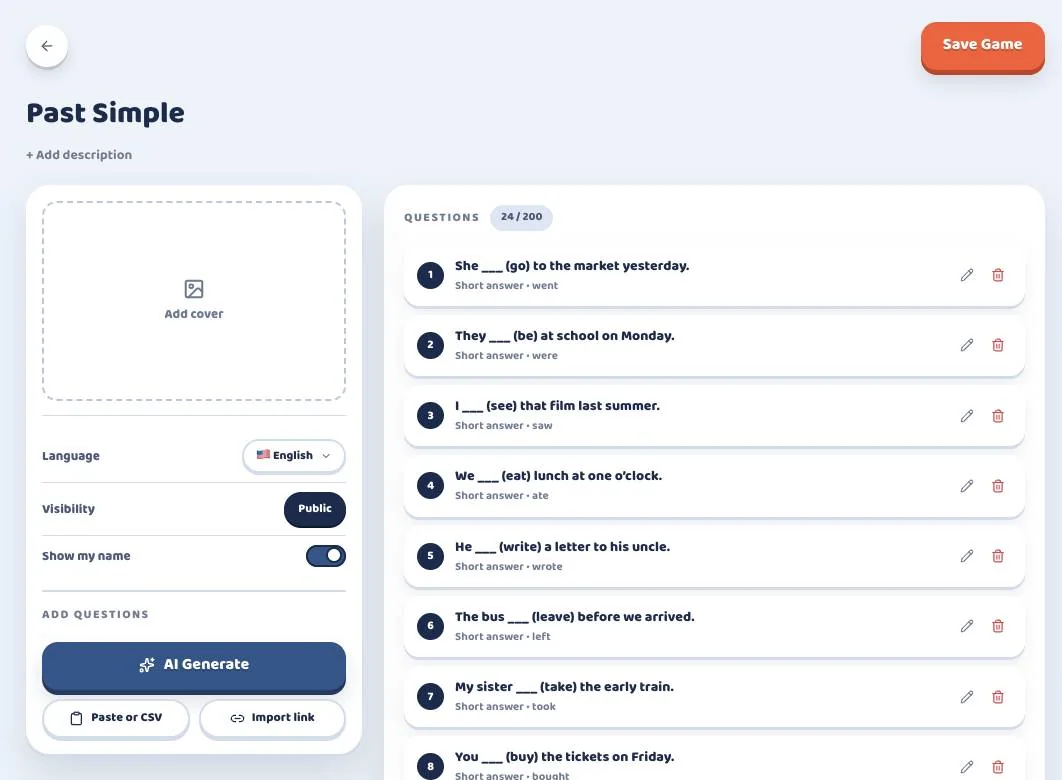
Type your questions once and play them as a team game on the class screen. Nobody needs a phone or a login.
Free: Question Tiles, Practice Mode and unlimited quizzes.

A quiz is just your questions. You pick the game when you start, and next time the same questions can play as another one.
Pick a numbered tile, answer its question, take its points.
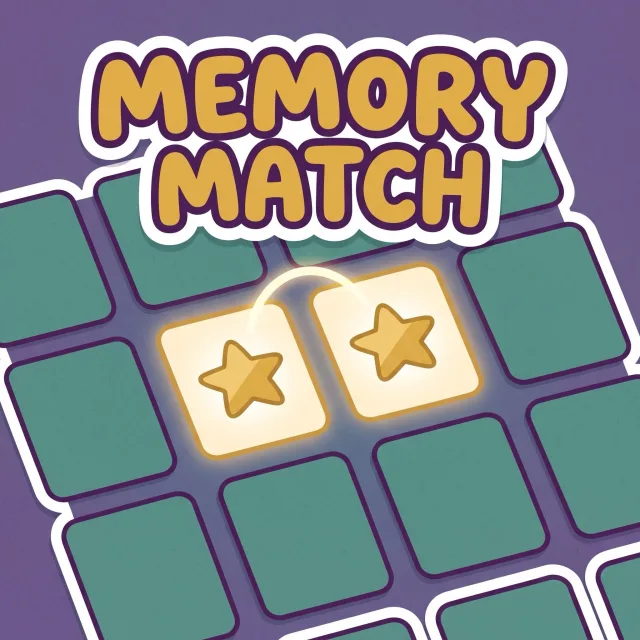
Flip two cards at a time to pair each question with its answer.
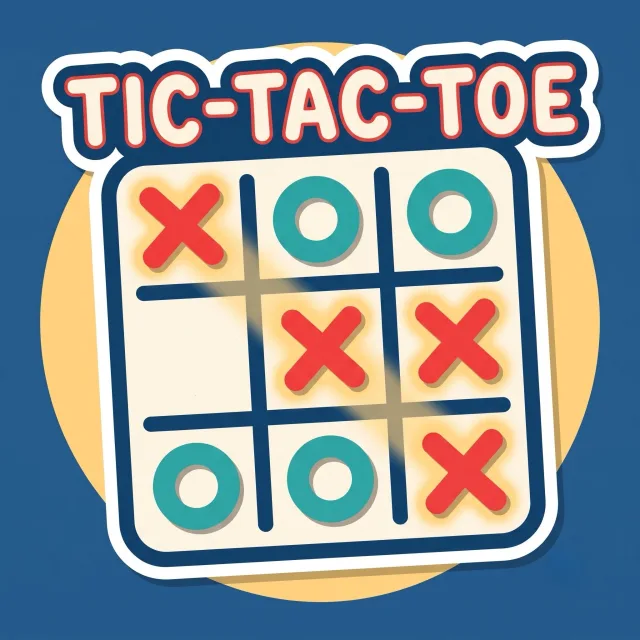
Answer right to put your team's mark in a square. Three in a row wins.

Answer, then pick a shot spot: the further out, the more points and the harder the shot.
Answer, then aim at the goal: the smaller the zone, the more it pays.
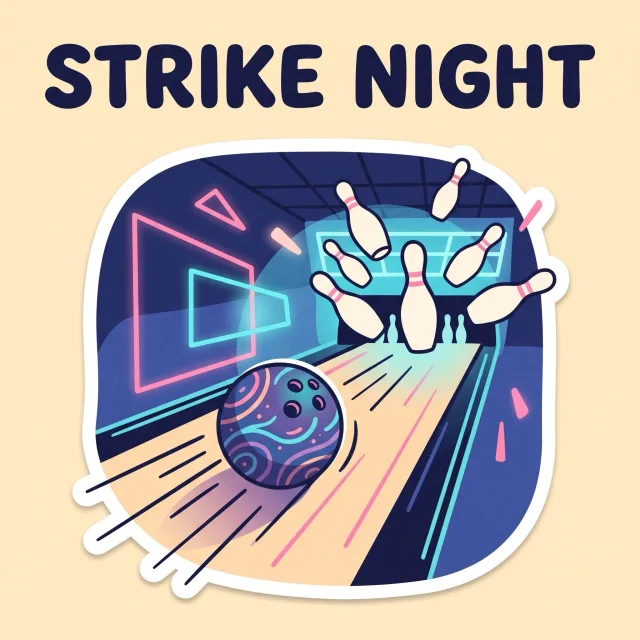
Pick a line on the lane and answer: a right answer rolls the ball.

Answer, throw the die and fly along the road. Boosters push you on, black holes pull you back.
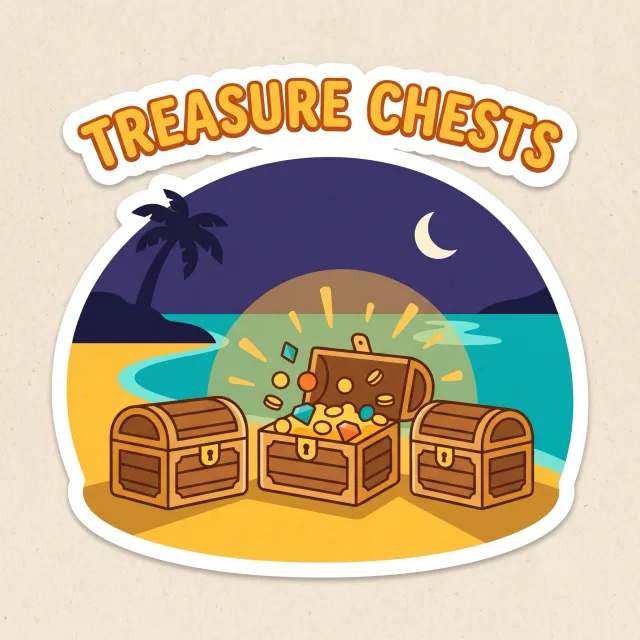
A right answer opens one of three chests, and each hides a different fate.
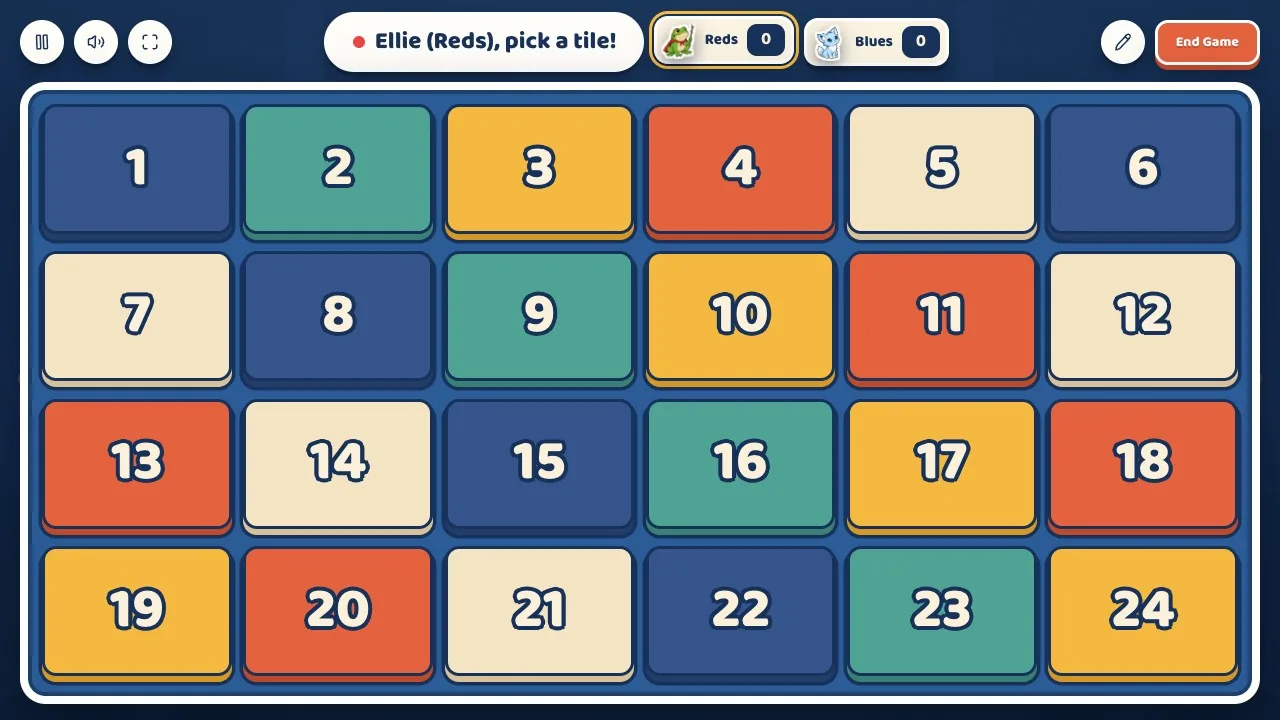 1A team picks a tile
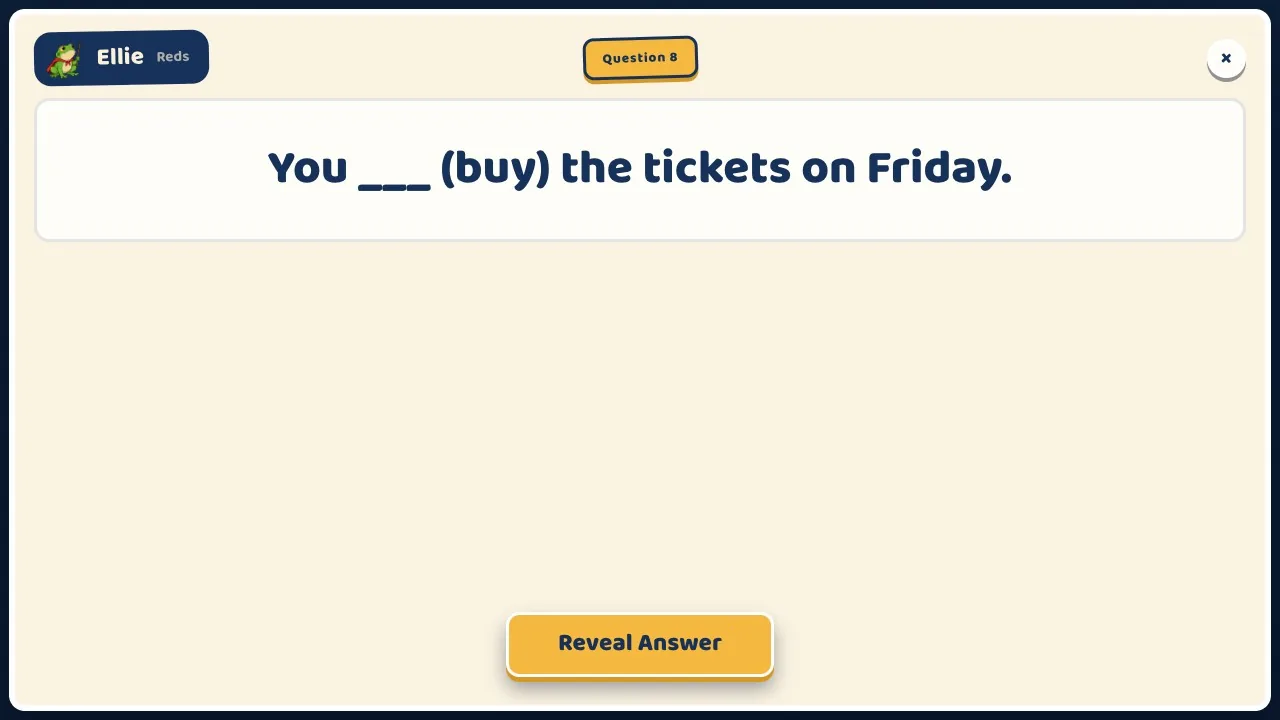 2The question comes up big
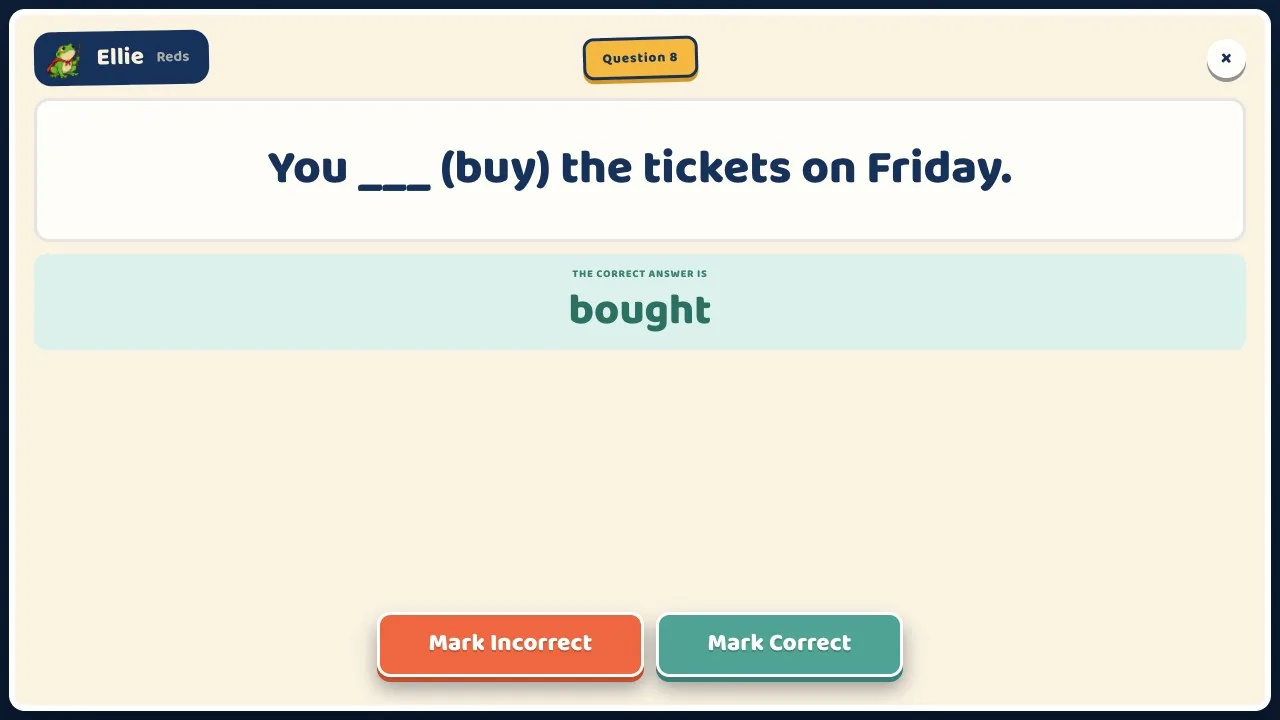 3You mark their answer
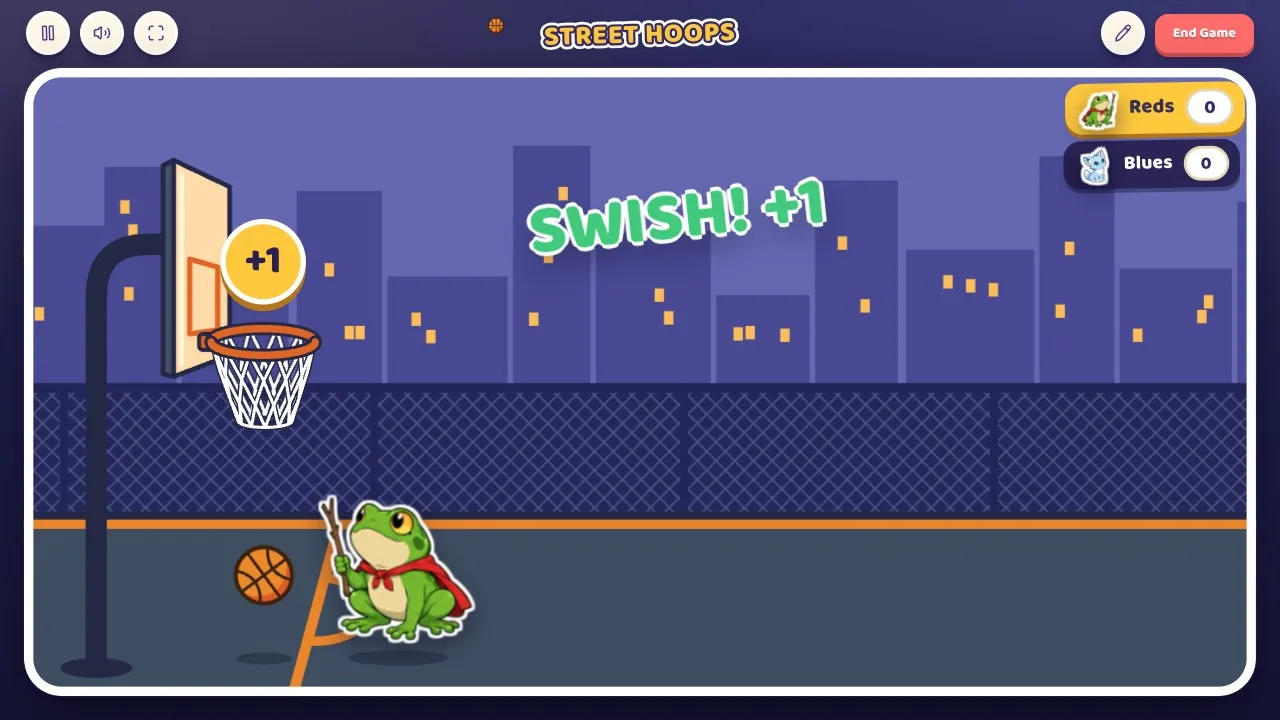 4The game plays it out
Runs from your laptop on the TV, projector or smartboard. No phones, no student logins.
or $4.99 a month
Sign in with the same email. A game with your Learnify class gives the students points, the same points that level up their characters.

Yes. Question Tiles and Practice Mode are free, and you can make and import as many quizzes as you like. Quizify Plus adds every other game and AI quizzes.
No. You run the game from your laptop on the class screen. There are no student logins, emails or passwords.
Yes. Upload them as a CSV, or paste the link of a public game you made on another quiz site.
No. Every paid Learnify plan includes Quizify Plus. Sign in with the same account.
Ages 5 to 18.